

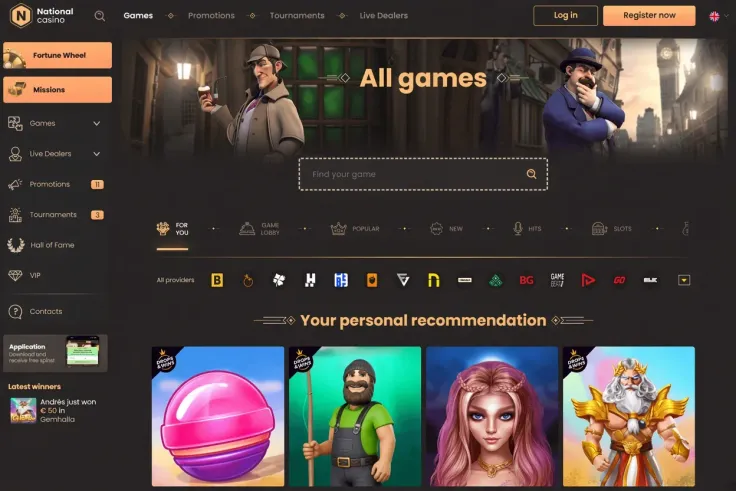
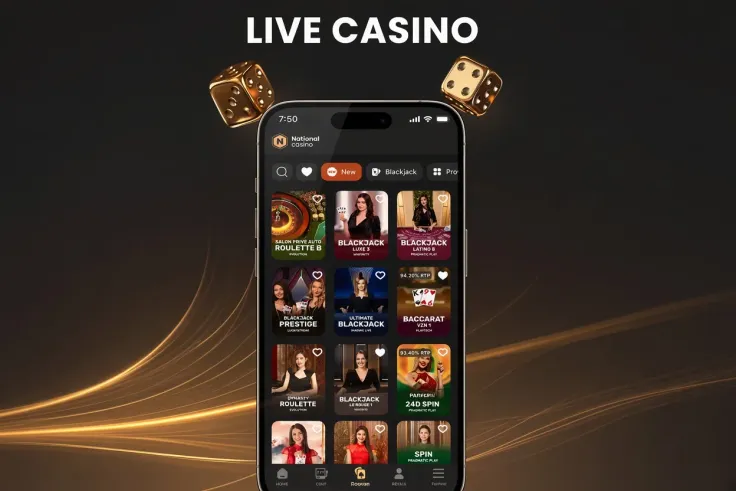
National Casino does not offer an app for Android. On an Android phone you play through the mobile version of the site, which opens in the phone's browser, so there is nothing to download. The range includes live casino games, and you can reach them from the same browser as the rest of the site.
If you already have an account, you can log in from the phone's browser. New players can sign up the same way, directly on the phone.
What you can do on an Android phone
The mobile site gives you National Casino's range in the browser, built for a smaller screen. Live casino games are part of that range, so you can reach them from your phone without a separate program. The main difference from a computer is the screen and the way you tap, not a separate set of games.
On a phone, text is smaller and buttons sit closer together. Read the terms of any offer and the game information before you tap, so that you do not miss a condition or a limit. Take your time with the pages that matter most to you.
Every slot shows how it pays, and it helps to understand the basics before you play. The paytable shows which symbol combinations pay and by how much. Features such as free spins or bonus rounds change how a round can end, and the game information explains which features a particular game has.
Two figures are worth reading. RTP is the share of wagers a game returns over a long run. Volatility describes how often wins come and how large they tend to be. Both help you judge a game, but neither tells you what a single session will return. Each spin is random, and the maximum win shown for a game is the most that game can pay.
Live casino games stream video in real time, so they depend on a steady connection. If the stream freezes, check your connection before you continue. A game that loads slowly on mobile data may look different from one on Wi-Fi, so give a new game a few minutes before you judge it.
Opening the mobile site instead of installing
There is no National Casino app for Android, so there is no store page to look for and no file to download. Opening the mobile site needs only the browser and a connection. Use the steps above for the first visit.
Do not download an app with the National Casino name for Android, because the brand does not offer one. Play through the browser instead, and be wary of any download that promises the same site in a separate program.
Adding a shortcut to your home screen, described in the steps above, is optional. It saves you typing the address each time. It does not change how the site works, and it does not install a program on your phone.
Keep your phone's browser and Android updated, so that pages load and display correctly. If a page stalls on first load, check the connection and reload the page before you try to log in again.
Type the site address yourself, or open a bookmark you saved. Do not open the site from a link in a message or an email you did not expect, because a copied address is an easy way to reach the wrong page.
Keeping your account and data safe on the phone

Set a screen lock with a passcode or fingerprint, and keep the phone with you. Anyone who picks up an unlocked phone can see an open session, so log out when you finish, especially if others use the device.
Do not save your password in the browser on a shared device. If you use a password manager, check that the saved entry matches the address of the site before you fill it in.
Keep your phone's operating system updated. Updates often include security fixes, and a phone that is up to date is harder to reach through known weaknesses.
Playing on mobile data uses your plan's allowance. Check how much data you have before a long session, and use Wi-Fi if your plan is limited. A session on a weak signal is more likely to drop mid-round, especially in live casino games.
The safer gambling page explains the tools for setting limits and taking breaks. Look at them before you start, not after a session has run on for longer than you planned. If play stops feeling like entertainment, the helplines listed at the bottom of the page are free and confidential.