

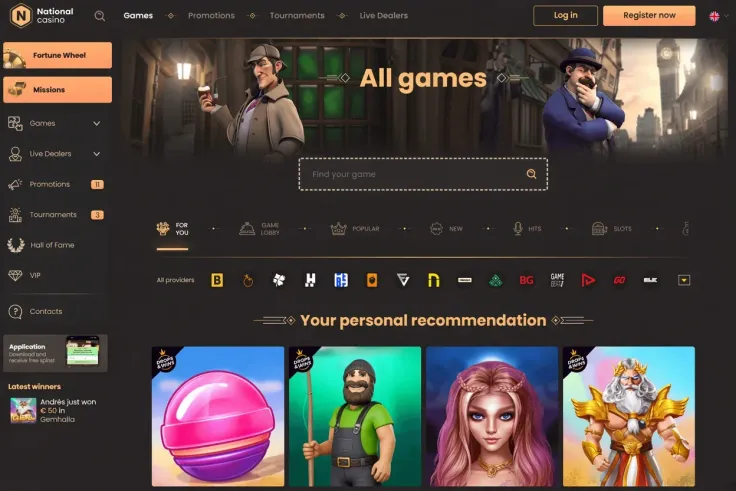
There is no National Casino app for iPhone, so you play on an iPhone through the mobile site, opened in Safari or another browser on the phone. Nothing needs to be downloaded or installed, and there is no app to update.
What you can do on your phone

The mobile version of National Casino is the phone route, so games and your account are reached through the browser rather than an app. The screen is smaller than a computer's, so game controls, paytables and account pages take more scrolling and zooming. On many phones a game is easier to read in landscape view, so turn the phone sideways if the controls look cramped.
Check the bet amount shown before you confirm a spin, because small buttons are easy to tap by accident. Each spin is started by you. A round runs from your bet to the final result, including any feature the game triggers. Read the rules of a game before you bet, since table games such as blackjack and roulette work differently from slots.
A paytable lists what each winning combination pays. Where a game shows its RTP, that figure is the return expected over a very long run, not a promise for one session. Volatility describes how often wins come and how large they tend to be. The maximum win is the most the game can pay from a single round.
Results are random. A phone does not change the outcome of a spin, and neither does how quickly you tap.
Playing in the browser instead of an app
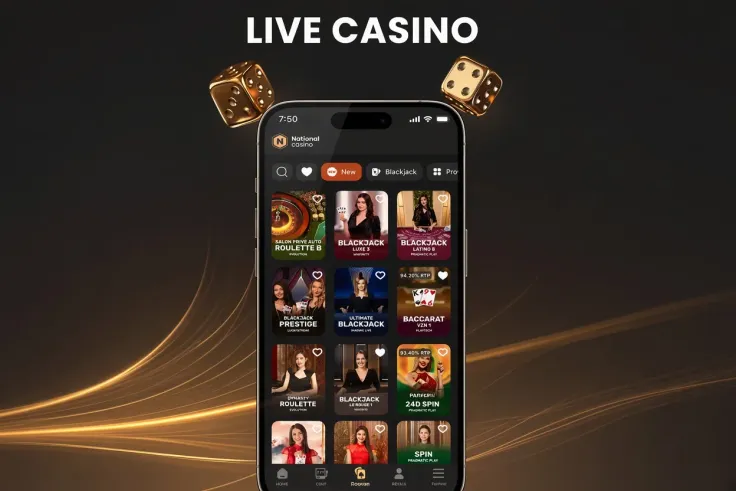
Because National Casino has no iPhone app, there is nothing to search for in the App Store and nothing to install. Once you have followed the steps above to log in or sign up, the mobile site works like a web page in Safari. A Home Screen shortcut is only a link to that page; it is not an app installed on the phone.
Playing in the browser needs a connection each time you play. Games and pages load over Wi-Fi or mobile data, so a weak signal can make a game slow to load. If a game stops responding, wait for the signal to return and reload the page. Do not repeat a bet to see whether the first one went through.
If the page does not load at all, check that iOS and Safari are up to date, close the tab and try again, or clear the website data for the site in Safari settings. If it still does not load, use the contact page.
The same applies on Android. National Casino has no Android app, so the mobile version in the phone's browser is the route there too. Use only an address you type yourself or a bookmark you saved, and do not install a file or app from a third party that claims to be an app from National Casino.
Keeping your account safe on your phone

Start with the phone itself. Set a passcode and, if your iPhone supports it, turn on Face ID or Touch ID, so that nobody can open the phone while you are logged in. Lock the phone when you put it down, and keep iOS updated. Do not let anyone else use a phone that is logged in to your account.
Choose an account password you do not use anywhere else, and do not store it in a note or photo on the phone. If Safari offers to save your password, agree only on a phone that only you use. Do not share codes or passwords with anyone, including anyone who says they are from National Casino.
Avoid logging in over public Wi-Fi where you can. If you lose the phone or get a new one, change your password from a device you still have.
Playing over mobile data uses your plan's allowance, and a long session can use a lot of it. If your plan has a limit, check how much data is left before you start, and use a Wi-Fi network you know for longer play. Roaming charges can apply when you travel, so check them with your provider.
Check your bank statement after each deposit and withdrawal, so you can see exactly what was charged and received.
Decide how much you are willing to spend in total before you log in, and stop when you reach that amount. If you play for a long time, set a reminder on the phone to take a break. If the account settings show deposit limits or session reminders, set them before you play. The safer gambling page explains the help available for keeping play in control.